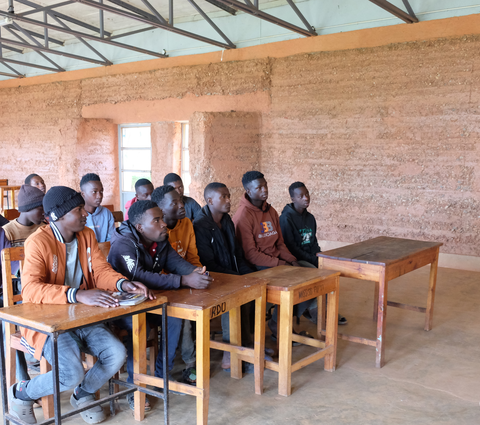

Measuring and documenting rooms is an essential basis for architects to plan and visualise the renovation of an older house. Another example is floor layers and painters who rely on floor and wall plans to calculate the material requirements. However, it is a time-consuming and error-prone task, especially when it comes to a complex layout or multiple rooms. The Leica DISTO Plan app simplifies and accelerates this workflow, giving you reliable and accurate results. The following practical examples show how to use the Leica DISTO Plan app to create well-organised documentation.
Ground floor: Creation of a complete floor plan
Challenge:
Measuring an entire ground floor, mainly if it includes 10 rooms and has a complex layout, is a real challenge. It is beneficial to capture the whole area in a seamless document. This helps you keep track of everything and avoids the stress of managing separate files for each room.
Solution - Measure Plan and Relocation Function:
With the 'Measure Plan' function, which the P2P Technology supports, you can easily create accurate and detailed floor and wall plans. Since the distances between all visible points can be measured indirectly from one location, you do not need any additional tools, such as a ladder, and you are independent of the assistance of a colleague. The 'Relocation' function is useful when it is impossible to capture everything from one location in complex rooms because some points are not accessible. This allows you to change the location and continue your measurements from a new position. This ensures that all corners, walls and rooms are captured. The measurement results are continuously visualised in the Leica DISTO Plan app, so you can immediately see if a measurement is missing. The powerful combination of 'Measure Plan' and 'Relocation' lets you reliably capture every ground floor detail, no matter how complex the layout.
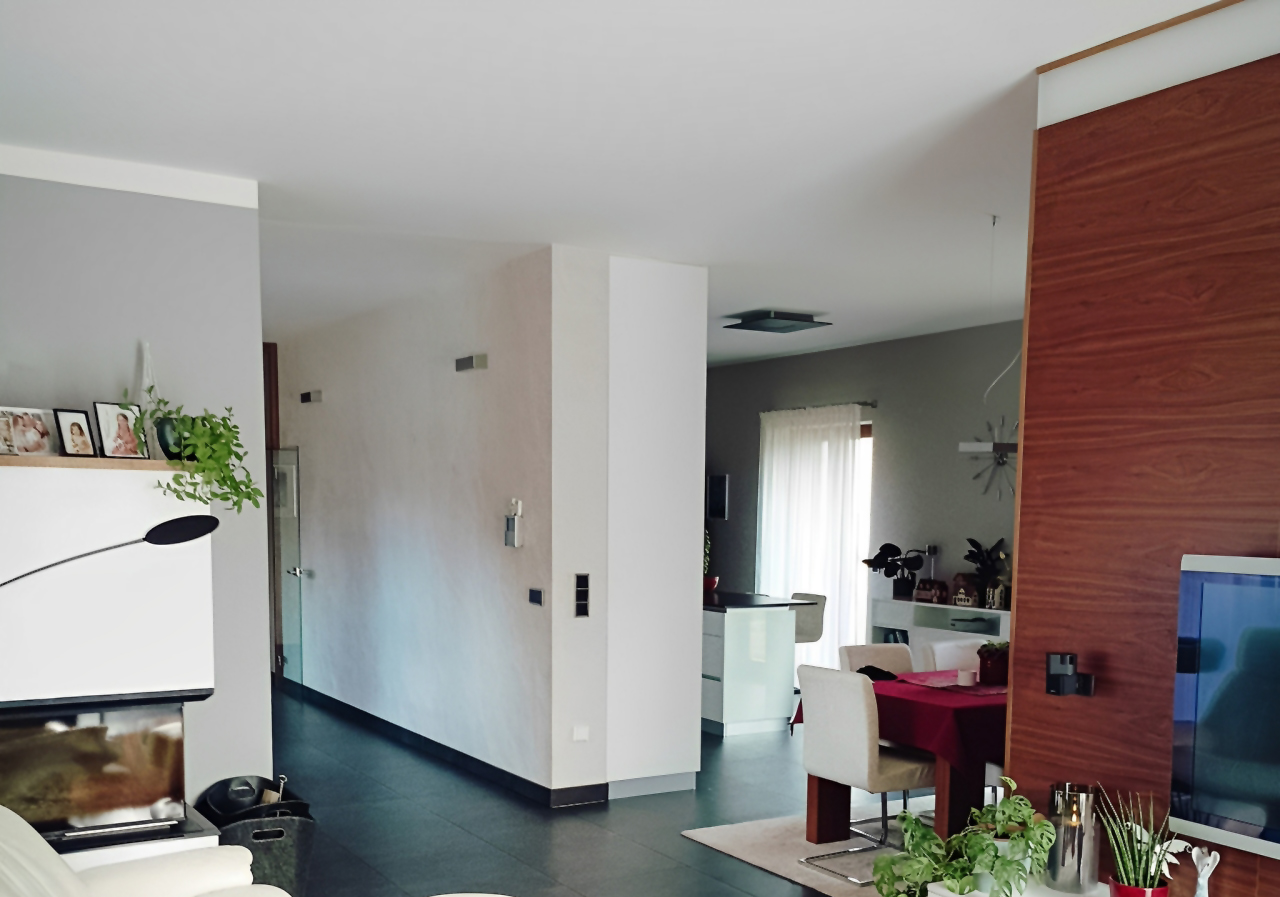
Real situation on site – ground floor with several rooms
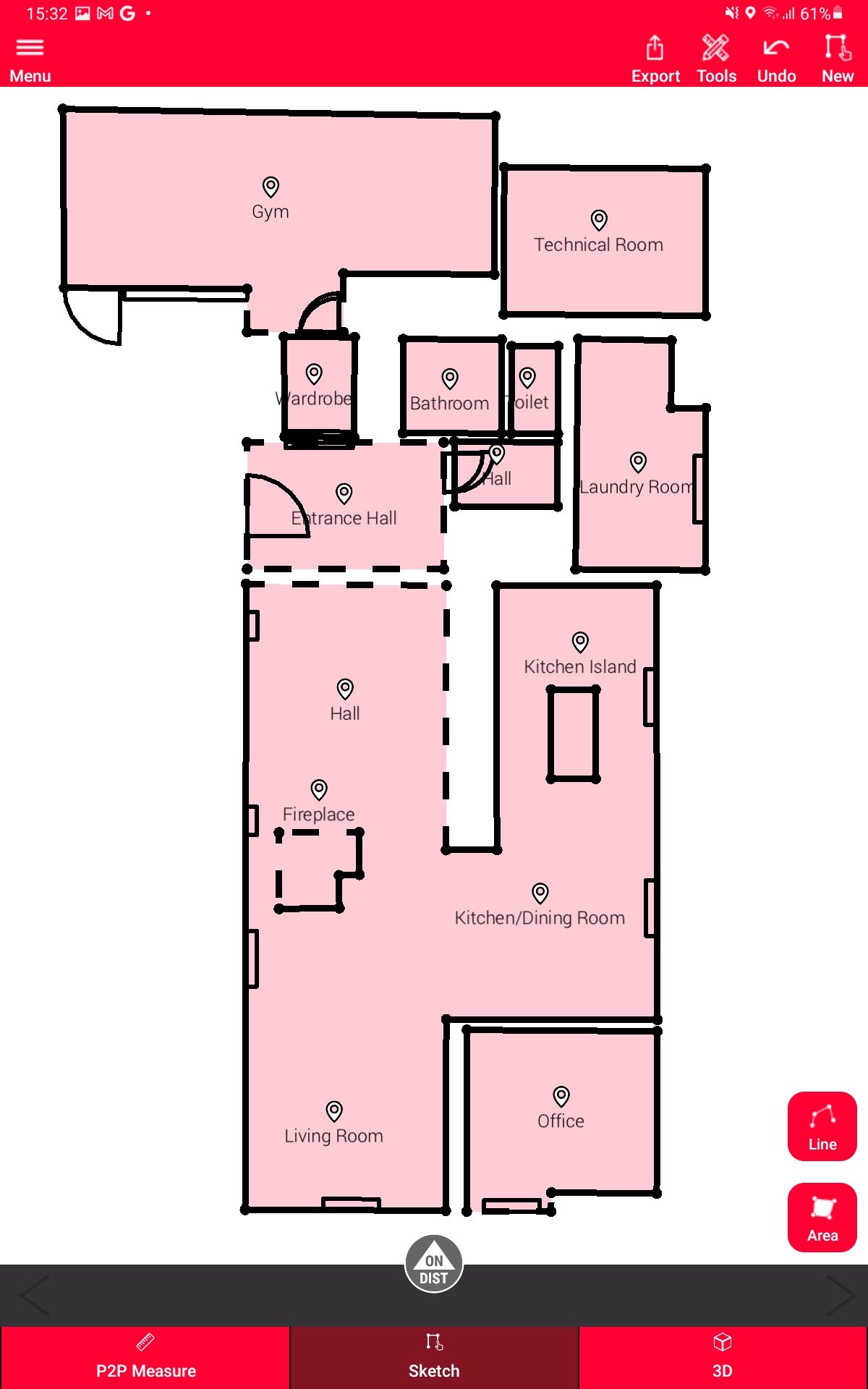 Floor plan in the Leica DISTO Plan app |
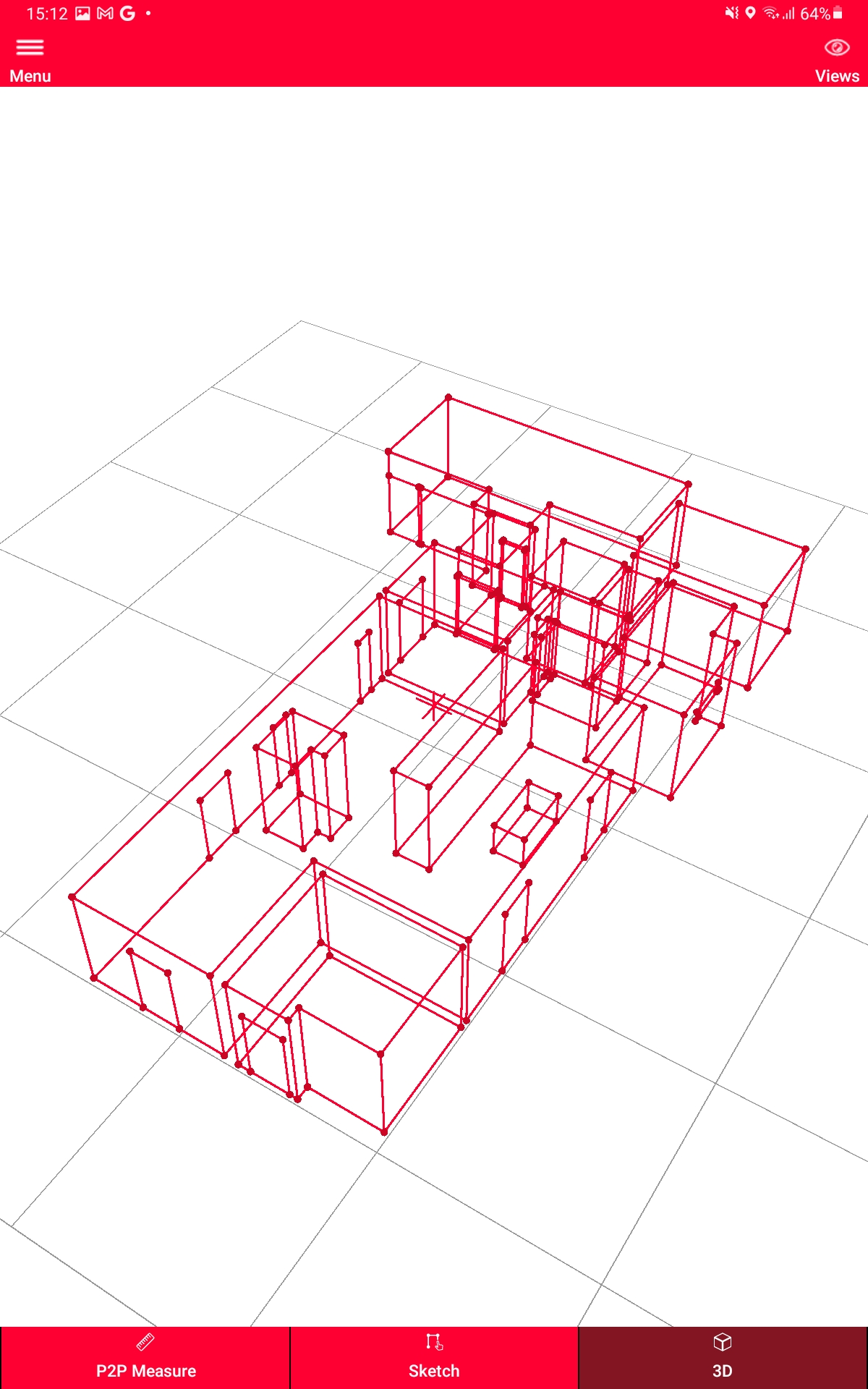 3D visualisation in the Leica DISTO Plan app |
Bathroom with sloped ceiling and partition wall: Capturing every detail in 3D
Challenge:
Measuring a room with a sloped ceiling presents multiple challenges. Often, the measuring points on the ceiling are difficult to access due to the room's height. In addition, angles and slopes must be considered, and each wall must be measured individually to calculate the total area accurately. Windows, doors and partition walls further complicate the task, as each surface must be measured separately. With partition walls, it is also essential that the measurements are taken from different positions so that all the details can be captured, and no measuring point remains hidden.
Solution - Measure 3D and Relocation Function:
With the 'Measure 3D' function, you can capture and visualise every detail in a room, regardless of whether it has sloped ceilings, windows, doors or partition walls. Capture all visible measuring points quickly and efficiently from one location using the P2P Technology. The measured distances and angles are visualised directly in the Leica DISTO Plan app including all dimensions. If any measuring points are hidden due to the complexity of the room, you can use the 'Relocation' function to continue your measurements from a new location. This function is also used when a partition wall is measured from both sides. This ensures that every detail and every angle is captured. The comprehensive solution lets you visualise the entire room completely and clearly in one document.
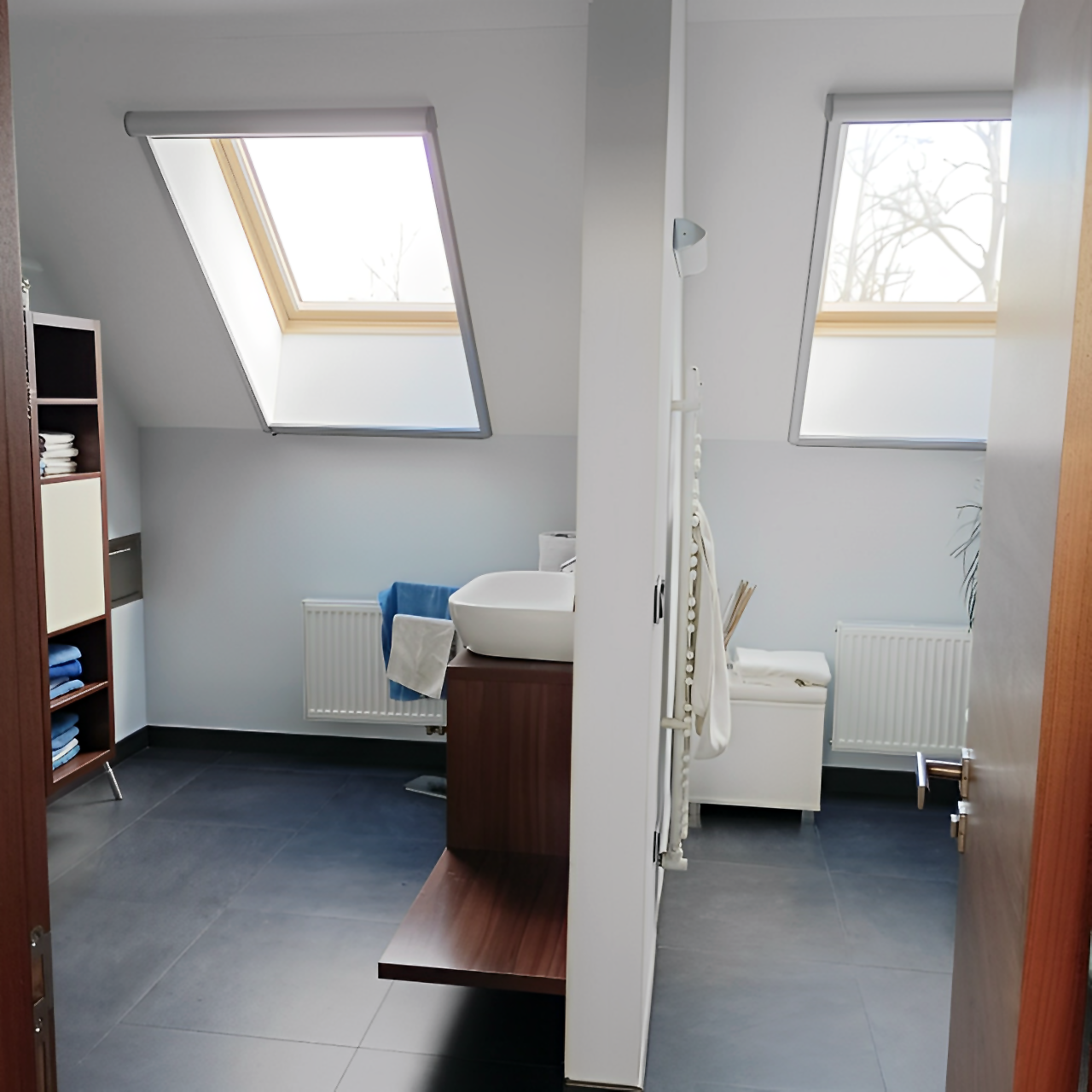 Real situation on site: Bathroom with sloped ceilings |
 3D visualisation in the Leica DISTO Plan App |
Flexible export & display options
PDF Pro Format: Create professional, well-structured reports in PDF Pro format. Each document includes key measurement details - wall lengths and areas, floor areas, volumes, and more - all in one place. Personalise your reports with your company's name and logo, and use these PDFs, for example, to create professional quotations quickly.
CAD Formats: Export your data for further processing in your preferred software, either as 2D or 3D data in DWG or DXF format. Easily switch on or off distance, circumference or area labels to get a more detailed insight or a clear view.
Export example: Measure Plan
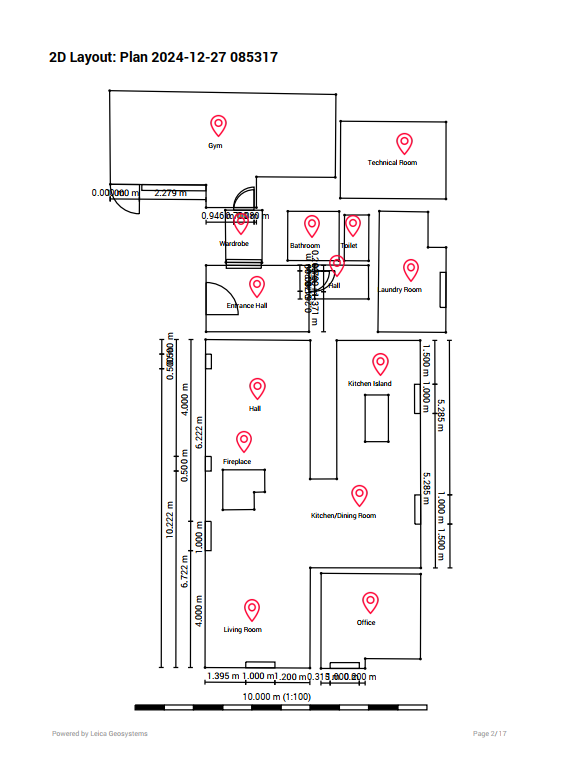 PDF Pro export of floor plan |
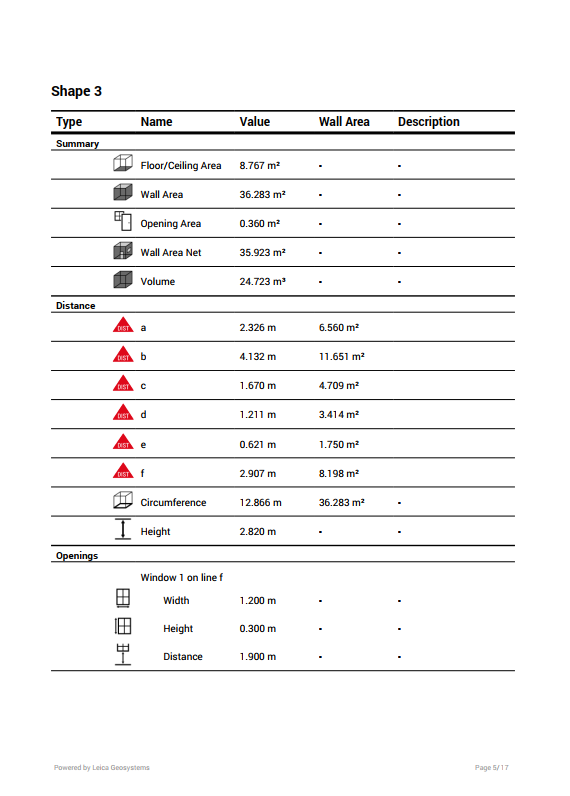 PDF Pro export list of measurement results |
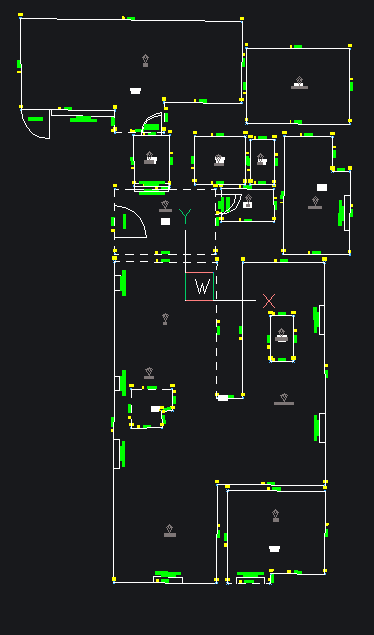 2D export of floor plan for CAD |
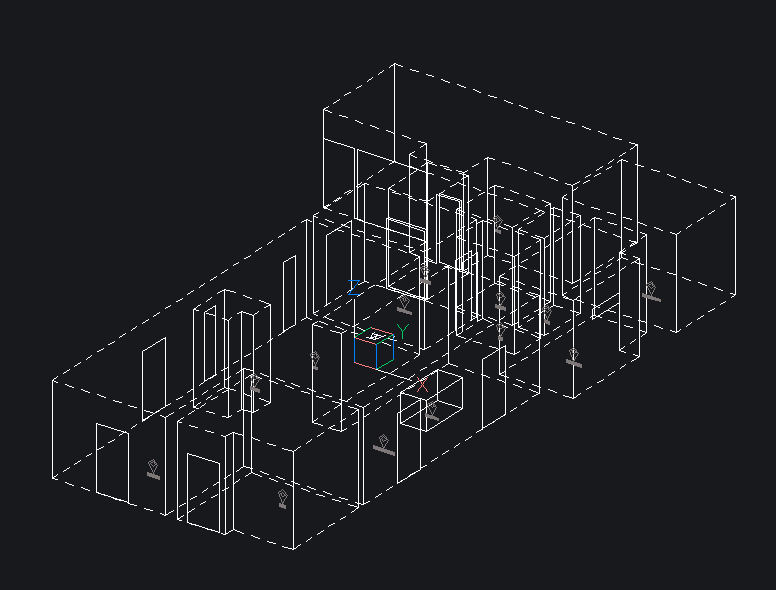 3D export of floor plan for CAD |
Export example: Measure 3D
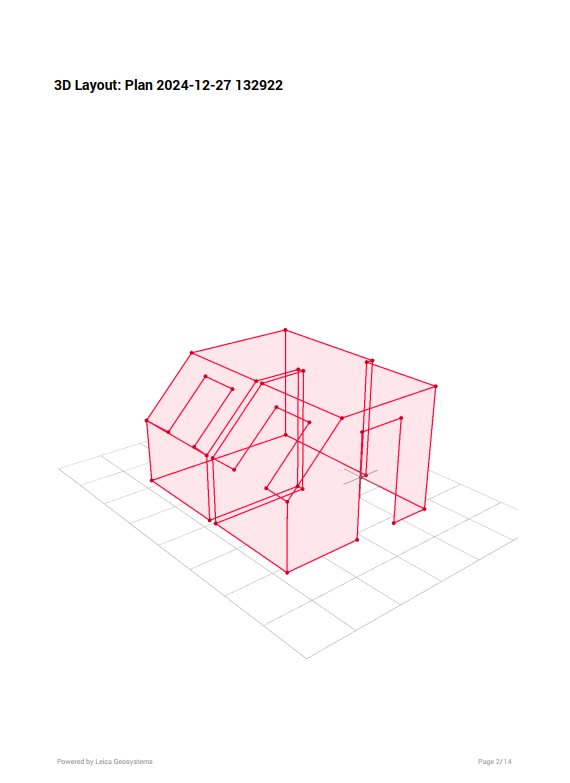 PDF Pro export of 3D visualisation |
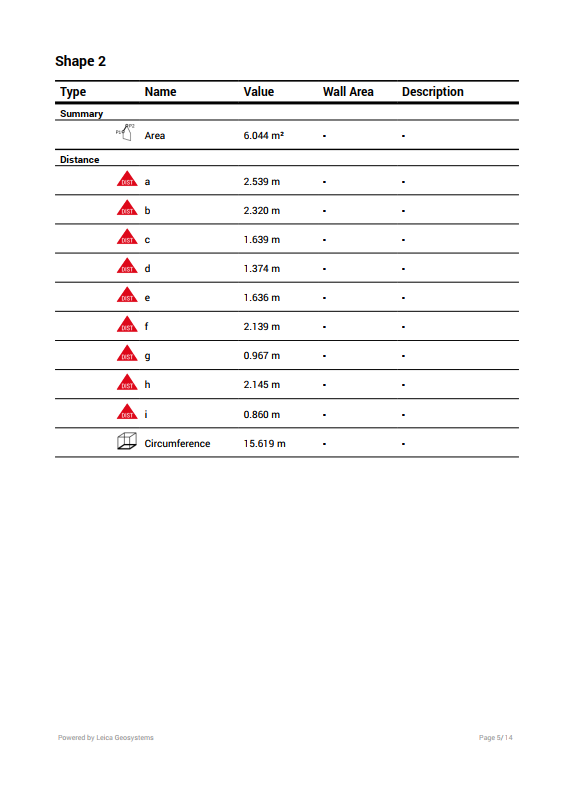 PDF Pro export list of measurement results |
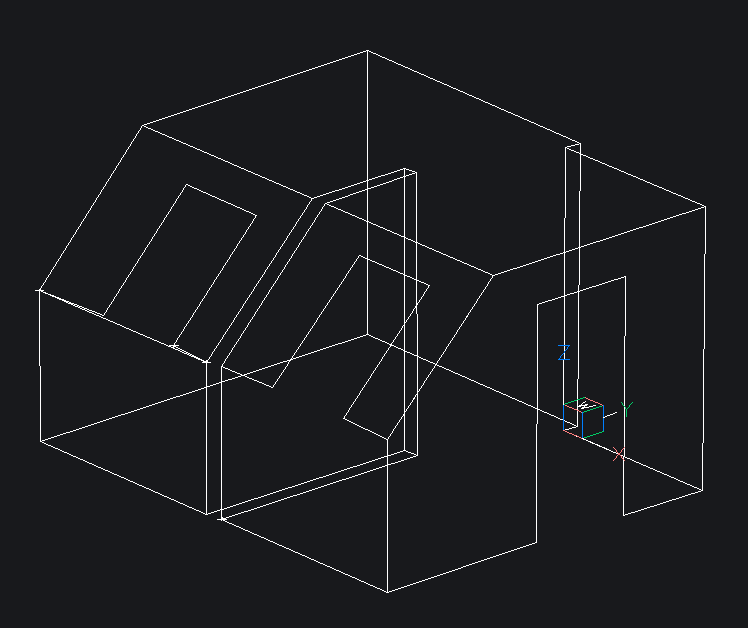 3D export of bathroom for CAD |