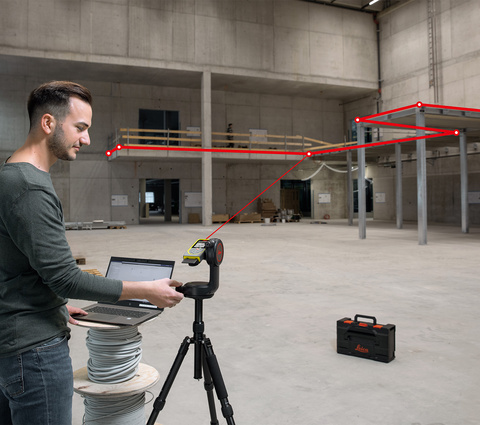
Back to In the Wild 6 May 2019 Leica DISTO S910 - How to use Leica DISTO S910 with Leica DISTO transfer and CAD Plugin By april.snyder Leica DISTO transfer (3D with CAD Plugin) - send three dimensional measurements to your computer. Related Videos Video From Speed to Precision: Smart Room with Diagonals Video Leica DISTO Plan App - How to use Measure 3D Video Leica DISTO Plan App - How to use Measure Plan Video Leica DISTO Plan App - How to use the Export function Video The measuring solution for roofers Video A day in the life of Alexander Berti, a tiler from Buch, Austria Related Content More from In the Wild Video From Speed to Precision: Smart Room with Diagonals Accurately capturing room layouts is a critical task for architects, interior designers... Video Leica DISTO Plan App - How to use Measure 3D This video explains step by step the Measure 3D function of the... Do it right the first time - Why precision pays off when measuring On construction sites and during surveying work, every detail counts - and...
Video From Speed to Precision: Smart Room with Diagonals Accurately capturing room layouts is a critical task for architects, interior designers...
Video Leica DISTO Plan App - How to use Measure 3D This video explains step by step the Measure 3D function of the...
Do it right the first time - Why precision pays off when measuring On construction sites and during surveying work, every detail counts - and...